ButterflyMX App Digital Keys for Simple Property Management
Imagine. After a long day, loaded with groceries, you arrive at your apartment building only to find your keys sitting on the kitchen counter. Or maybe a delivery driver calls while you’re stuck in city traffic. Frustrating, right?
The ButterflyMX app changes everything. It turns your phone into a secure, always-ready key that works from anywhere. No more fiddling with keys or waiting for visitors.
In this guide, I’ve clearly explained everything you need to know about the ButterflyMX app. I’ve discussed what it is, why it works so well, how to set it up, and practical tips for everyday use. If you’re searching for butterflyMx app download, butterflyMx app for Android, or are worried about what happens if butterflyMx app is not working, you’ve come to the right place.
Finally, you’ll see exactly how this tool can make your daily life smoother, safer, and much more convenient. Let’s discuss it in more detail.
What Is the ButterflyMX App?
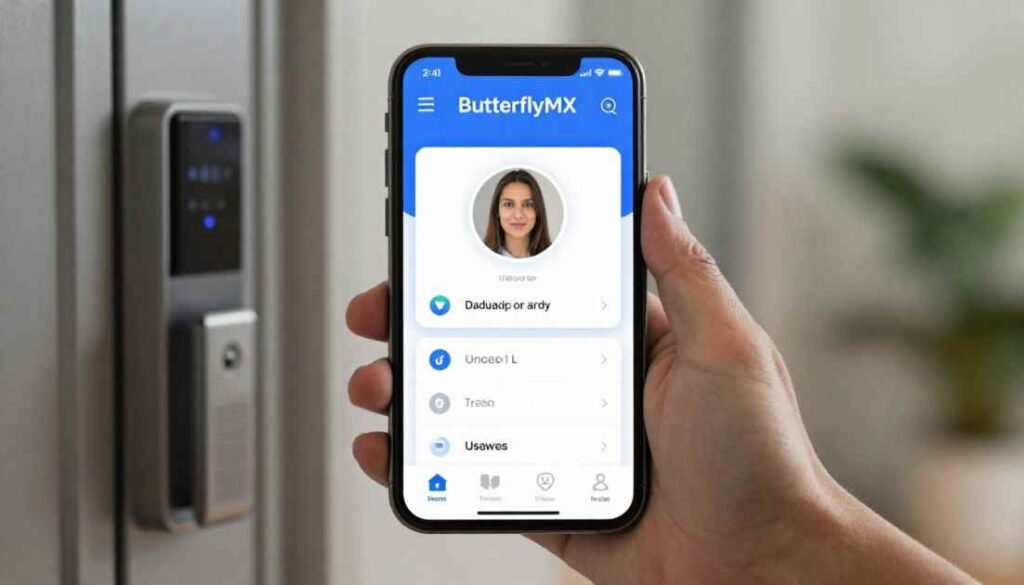
The ButterflyMX app is a secure smartphone-based property access system that lets residents and staff control building entry without traditional keys or fobs. It connects directly to the property’s entry points, such as front doors, side gates, elevators, and even garage doors.
Think of it as your personal remote control for the building. You download the free app on your phone, sign in with the credentials provided by your property manager, and suddenly, you have the power to open doors from anywhere in the world.
The app works on both iPhone and Android devices. It also supports smartwatches, so you can unlock without pulling out your phone. At its core, the ButterflyMX app replaces old-school intercom buzzers and metal keys with modern technology that feels simple and intuitive.
Many people first hear about it when their apartment building upgrades to a smart access system. The property manager sends a registration email, and you are ready to go. No extra hardware to buy for your unit. Everything happens through the cloud and your existing phone.
What sets it apart is the focus on real-life needs. It is not just about unlocking a door. It handles visitors, deliveries, and even keeps a record of every entry. Whether you live in a busy city apartment complex or a gated community, the app adapts to how you actually live.
In short, the ButterflyMX app is the bridge between your phone and your building. It removes the stress of lost keys, missed guests, and package headaches. And because it is designed for everyday people rather than tech experts, anyone can pick it up quickly.
Why Does the ButterflyMX App Work?
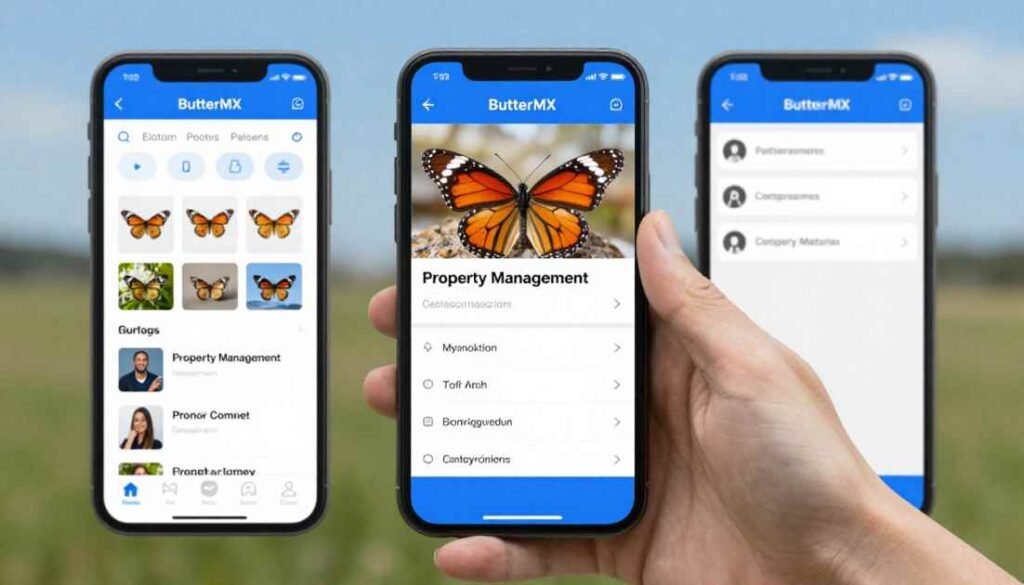
The ButterflyMX app works because it combines reliable technology with everyday practicality. At its heart, the system uses a cloud-based platform. This means your phone communicates directly with the building’s entry hardware over the internet, whether you are using Wi-Fi or cellular data.
When someone presses the call button at the front door, the system instantly sends a video call to your phone. You see the visitor clearly, chat with them, and decide whether to let them in. One tap or swipe later, the door opens. No more guessing who is buzzing you.
The app stays responsive because it runs on stable cloud connections rather than outdated wiring. Updates happen automatically in the background, so you always have the latest improvements without lifting a finger. Security stays tight too. All communication uses encryption, and every action gets logged with a time-stamped photo.
But technology alone does not make something great. The ButterflyMX app works because it solves real problems.
Lost your keys? Just use the swipe-to-open feature. Traveling for work? Send a temporary pass to your dog walker that expires upon completion. Expecting a big package? Share a delivery code so the driver can get inside safely.
It also respects different lifestyles. If you prefer to leave your phone at home, the app works on smartwatches. Need voice control? Connect it with popular assistants for hands-free unlocking. And if you ever face spotty internet, the system has fallback options like PIN codes for guests.
Users love how it feels natural. The interface stays clean and simple. Notifications arrive quickly. The video quality lets you clearly see faces even in low light. Over time, people stop thinking of it as an “app” and simply treat it as their normal way in.
The real magic comes from how well it fits modern life. People work remotely, travel more, and order deliveries constantly. The ButterflyMX app keeps up with all of that without adding extra steps or stress. That is why it has earned high marks from hundreds of thousands of users who say it just works when they need it most.
Key Features of the ButterflyMX App
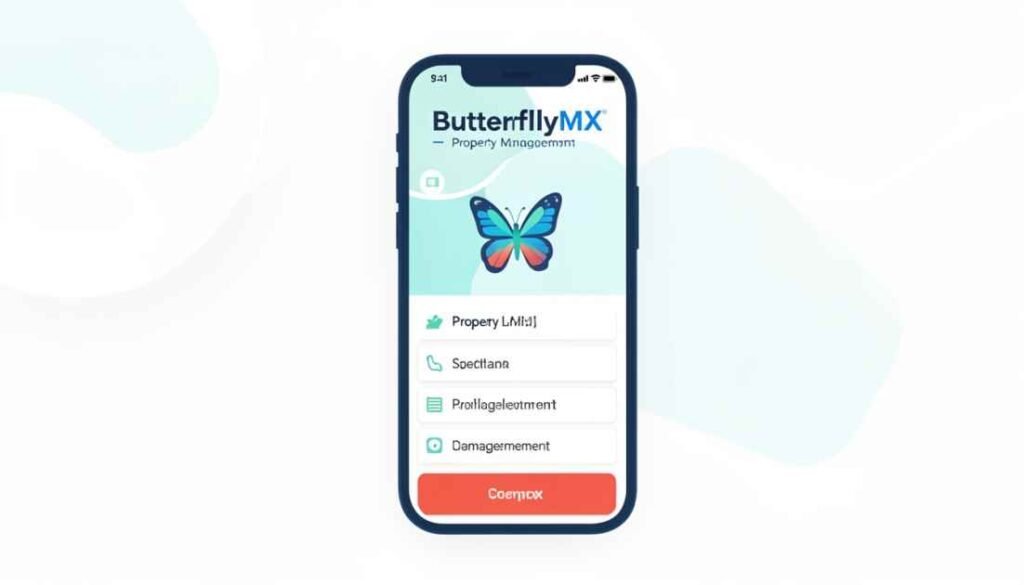
The ButterflyMX app packs plenty of helpful tools into one clean interface. Here are the main features that make daily life easier.
Remote Access from Anywhere
You can unlock any connected door, gate, elevator, or garage with a simple swipe or tap. Whether you are upstairs in your unit or halfway across the country, the door opens instantly. This feature shines when your hands are full or you are running late.
Video Intercom for Clear Verification
When a visitor arrives, your phone rings with a live video call. You see exactly who is there and can speak with them before deciding to grant access. No more opening the door blindly to strangers.
Visitor and Delivery Management
Send virtual passes to friends, family, or service providers. These passes can be one-time use, set for specific hours, or even recurring for regular visitors like cleaners. Delivery drivers receive a special code that lets them drop packages inside without waiting. You get a notification the moment the package arrives.
Activity Log for Peace of Mind
Every entry gets recorded with a photo and a timestamp. You can review who came in and when right from the app. This creates a helpful history if you ever need to check on deliveries or visitors.
Smartwatch and Voice Integration
Open doors straight from your Apple Watch or Wear OS smartwatch. Leave your phone in your pocket or at home. For even more convenience, use voice commands through connected assistants to unlock hands-free.
Extra Conveniences
Some properties let you reserve amenity spaces, such as gyms or lounges, directly in the app. Package rooms stay secure with PIN access for couriers. Everything stays in one place, so you do not need separate apps or systems.
These features work together smoothly. You might start your day by swiping to open the garage, receive a video call from a package driver later, and check the activity log before bed. It all feels natural once you get used to it.
Here is a quick overview table of the most important features:
| Feature | How It Works | Why It Is Helpful |
| Remote Unlock | Swipe or tap on the phone or watch | Open doors from anywhere, no keys needed |
| Video Intercom | Live video call from the entry panel | Verify visitors before letting them in |
| Visitor Passes | Create time-limited or recurring digital keys | Share access safely with guests or workers |
| Delivery Passes | Send a single-use PIN to drivers | Accept packages even when away from home |
| Activity Log | Time-stamped photos and records | Track every entry for security and convenience |
| Smartwatch Support | Full access on Apple Watch or Wear OS | Unlock without taking out your phone |
Each feature addresses a common pain point. Together, they create a complete access solution that feels thoughtful and complete.
How to Download and Set Up the ButterflyMX App
Getting started takes just a few minutes. The process stays straightforward on purpose.
- Wait for the registration email from your property manager. This email contains your login details and confirms that your building uses the system.
- Search for “ButterflyMX” in the Apple App Store or Google Play Store. The app is completely free to download.
- Install the app and open it on your phone.
- Sign in using the email and password from the registration message.
- Grant the necessary permissions. The app needs access to your camera, microphone, and notifications so video calls and alerts work properly.
- Choose your notification preference. You can take calls as full video in the app, or have them roll over to a regular phone call if you prefer.
- Test it out. Ask your property manager for a quick demo or try the swipe-to-open feature yourself.
Once set up, the app guides you through the rest. You will see a clean home screen with big buttons for common actions. Many users say the whole process feels easier than downloading a typical shopping app.
If you live in a building with multiple entry points, the app lists them all so you can choose which door to open. The setup also works across devices. Sign in on your tablet or smartwatch, and everything syncs automatically.
ButterflyMX App for Android Users
Android users get the same powerful experience as iPhone owners. The ButterflyMX app for Android works smoothly on most recent phones and supports Wear OS smartwatches for wrist-based unlocking.
The Google Play version includes all the core features: video calls, virtual passes, activity logs, and remote access. Notifications arrive reliably once you allow background activity in your phone settings.
Many Android users appreciate the extra flexibility that Wear OS offers. You can unlock a gate while walking your dog without having to reach for your phone. The interface stays simple and clean on both phone and watch screens.
Setup follows the same steps as iOS. Just make sure your phone runs a supported Android version, which covers almost all modern devices. If you ever switch phones, simply sign in again, and you are back in business within seconds.
The app also plays nicely with various Android customizations. You can adjust notification sounds or create shortcuts on your home screen for even faster access. Users report that battery usage stays low, even with frequent video calls and notifications.
Managing Visitors and Deliveries with Ease
One of the biggest advantages comes into play when others need access. Instead of leaving keys under the mat or rushing home, you create a pass in seconds.
To send a visitor pass, open the app, tap the visitor section, and choose a preset option. You can set it for one hour, all day, or even recurring weekly visits. Add the person’s phone number or email, and they receive a QR code or PIN instantly.
Delivery passes work similarly, but focus on short visits. Couriers enter a six-digit code at the panel and drop packages inside. You receive a quick alert when the delivery happens. Many people add these codes directly to their online shopping notes so drivers know exactly what to do.
The system lets you revoke access at any time. Forgot to cancel a pass after a service visit? Just open the app and turn it off. This level of control gives real peace of mind.
For families, each member can have their own account linked to the same property. Parents can monitor kids’ comings and goings through the shared activity log while still giving them independent access.
What to Do If the ButterflyMX App Is Not Working
Even the best apps hit occasional snags. When the ButterflyMX app is not working, most issues have quick fixes. Here is a clear troubleshooting guide.
First, check your internet connection. The app needs Wi-Fi or cellular data. Try switching networks or restarting your router.
Next, make sure the app is up to date. Open your app store and check for updates. New versions often fix small bugs and improve performance.
Restart your phone completely. This clears temporary glitches that can affect notifications or connectivity.
Double-check notifications and permissions. Go to your phone settings, open the ButterflyMX app, and confirm that the camera, microphone, and background refresh are all enabled.
If you cannot log in, verify that the date and time settings on your phone match your time zone. Incorrect settings sometimes block login.
Still stuck? Try logging out and back in. Or uninstall and reinstall the app. Your account information stays safe on the cloud.
For video call problems, test your phone’s camera and microphone in another app first. Clean the lens if needed.
Most users solve issues within these steps. Property managers also have tools to check system status on their end if the problem seems widespread.
The key is to stay calm and work through the list. The system stays reliable for the vast majority of people every single day.
Pros and Cons of the ButterflyMX App
Like any technology, the app has strengths and a few realistic limitations. Here is a balanced look.
Pros:
- Complete keyless freedom. Never worry about lost keys again.
- Strong security through video verification and detailed logs.
- Convenient visitor and delivery management that saves time.
- Works on smartwatches and with voice commands for hands-free use.
- Simple interface that most people master in minutes.
- Free for residents, and updates happen automatically.
Cons:
- Requires a stable internet connection. Outages can temporarily affect remote access (though PIN fallbacks often exist).
- Depends on your phone or watch having battery life.
- Some older users may need a quick tutorial to feel comfortable at first.
- The property manager controls overall system access and costs.
- Occasional minor glitches happen, though updates fix them quickly.
Overall, the benefits far outweigh the drawbacks for most people. The convenience and security improvements make daily life noticeably better.
How the ButterflyMX App Enhances Security
Security goes beyond simply locking doors. The ButterflyMX app adds layers of protection that traditional keys cannot match.
Every visitor interaction is recorded in video. You know exactly who entered and when. The activity log creates an automatic audit trail that can help in any rare dispute or investigation.
Virtual passes expire automatically. No more worrying about old keys floating around. You can also revoke access instantly if needed.
The system uses encryption for all communications. Cameras at entry points capture wide views, so you see the full picture before granting access.
For properties, managers can monitor patterns and respond quickly to any unusual activity. Residents gain confidence knowing the system tracks everything transparently.
Many users say they feel safer walking home at night because they can check the log or send passes without opening the door to unknowns. The app turns passive entry into an active, informed decision every time.
Real-Life Examples and Everyday Benefits
Let us look at how the app fits into actual days.
Sarah works from home and receives frequent deliveries. She creates delivery passes in the morning and gets notified the moment packages arrive in the secure lobby. No more porch pirates or missed signatures.
Mike travels often for business. He sends a recurring virtual key to his dog walker that works only on weekdays during set hours. The walker enters easily, and Mike checks the photo log from his hotel room.
A family with teenagers uses the app so kids can come and go independently while parents track entries through notifications. Everyone stays connected without constant texting.
During holidays, hosts send one-time passes to guests arriving for dinner. Visitors walk right in without waiting for someone to buzz them down.
Even small moments improve. You leave for a run and realize you forgot your key fob. No problem. Open the app on your watch and head inside when you return.
These stories show how the ButterflyMX app quietly removes friction from daily routines. It adapts to busy schedules, different family needs, and unexpected situations.
Integrations and Extra Perks
The app connects nicely with modern devices. Smartwatch support stands out for people who like to travel light. Open the garage door with your wrist while carrying shopping bags.
Voice integration lets you unlock using simple commands when your hands are busy cooking or holding a child. Some properties also link the system to smart locks inside units for full building-to-apartment control.
Regular updates bring new helpful touches. Recent improvements include clearer error messages and better location-based features that detect when you are near the building.
The system grows with your needs. As more buildings add package rooms or amenity access, the app expands to cover those, too.
Final Thoughts
The ButterflyMX app delivers on its promise of simple, secure, and smart property access. It eliminates the headaches of lost keys, missed visitors, and delivery worries while adding real peace of mind through video verification and activity tracking.
Whether you are searching for the ButterflyMX app download, need the ButterflyMX app for Android, or want to understand what the ButterflyMX app can do, this tool stands out for its thoughtful design and everyday usefulness.
If your building offers it, take the time to set it up. You will wonder how you ever lived without it. The convenience builds over time until using your phone to open doors feels completely natural.
Ready to experience easier entry? Talk to your property manager about getting registered today. Once you start using the ButterflyMX app, you will never want to go back to old keys and buzzers.
What has been your experience with smart access systems? Share your thoughts in the comments below. We would love to hear how technology like this is changing your daily routine.
FAQ
What is the ButterflyMX app?
It is a free mobile app that lets you unlock building doors, gates, and elevators from your smartphone or smartwatch, handle video calls with visitors, and send secure passes.
How do I complete a ButterflyMX app download?
Search for ButterflyMX in the Apple App Store or Google Play Store, install the free app, and sign in with the credentials your property manager provides.
Is there a ButterflyMX app for Android?
Yes, the full-featured app works on Android phones and supports Wear OS smartwatches for convenient unlocking right from your wrist.
What should I do if the ButterflyMX app is not working?
Check your internet connection, update the app, restart your phone, and confirm notifications and permissions are enabled. Most issues resolve with these quick steps.
How do I send access to visitors or deliveries?
Open the visitor section in the app, choose a pass type, set the time limits, and share via email or text. Recipients receive a code or QR that lets them enter.
Does the app work with smartwatches?
Absolutely. You can open doors directly from Apple Watch or Wear OS devices, even when your phone is not with you.
Is the ButterflyMX app secure?
Yes. It uses encryption, video verification, and detailed activity logs with photos to keep access safe and fully trackable.
Can I use it for package deliveries?
Definitely. Delivery passes let couriers enter safely, and you receive instant notifications when packages arrive inside the building.